
VISICO Store

Godox X3 Pro vs X3 vs XPro – Which Flash Trigger Should You Choose
- Lencarta LTD
- Blog
- 26 Nov 2025 views
-
238
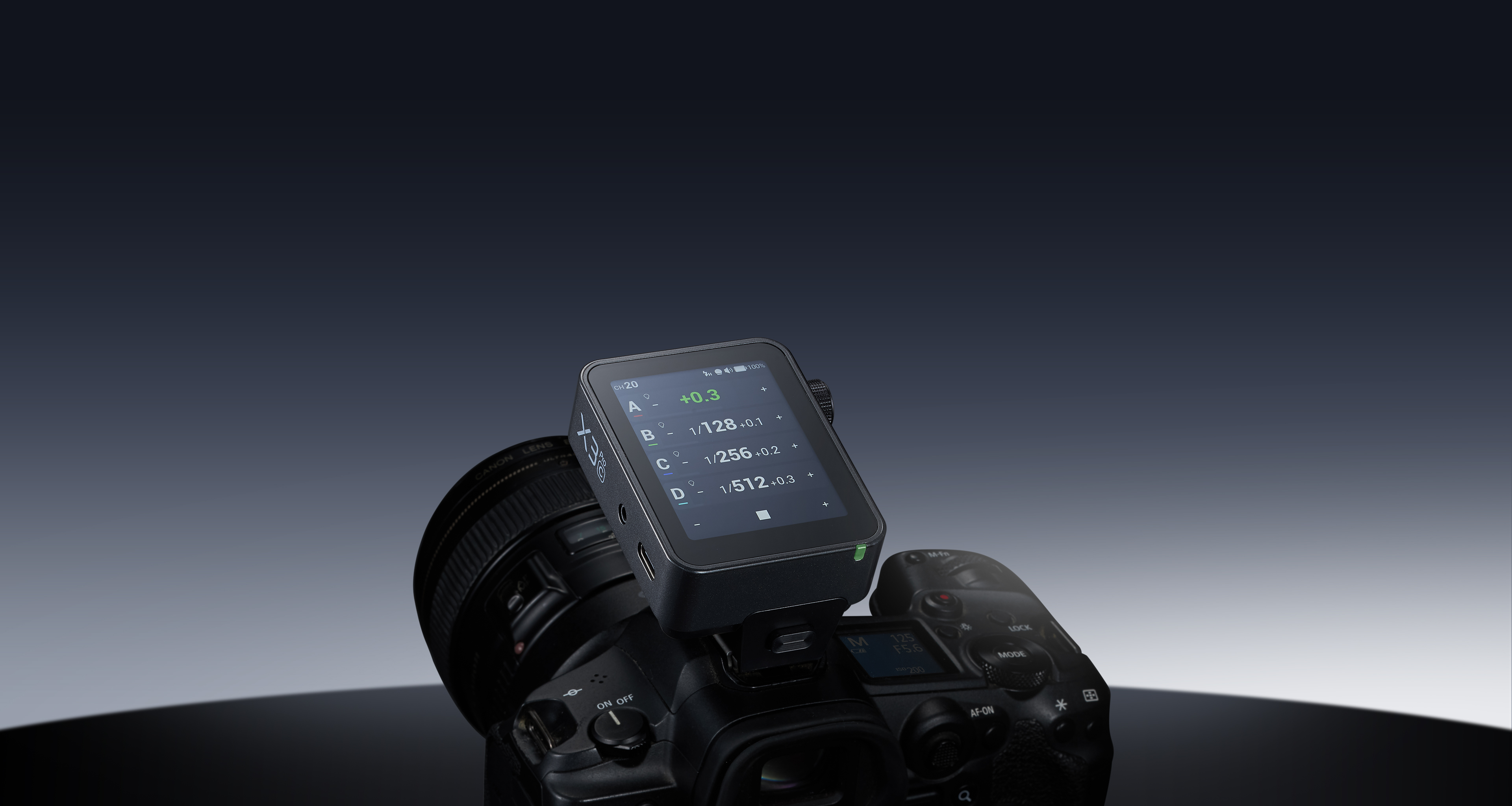
Godox X3 Pro : When it comes to lighting control, Godox has built one of the strongest and most flexible wireless flash systems in the world. Their triggers — Godox X3, X3 Pro, and XPro — all use the same 2.4GHz wireless “X System,” but they differ in design, interface, workflow, features, and ideal use cases.
If you’re trying to decide which trigger is best for your photography style, this guide will help you make the right choice.
Overview: What These Triggers Do
All three models — X3, X3 Pro, and XPro — allow you to:
-
Fire Godox flashes wirelessly
-
Control power, mode, groups, and channels
-
Use TTL, Manual, Multi, and High-Speed Sync (HSS)
-
Trigger multiple lights at once
-
Work with most camera brands (Canon, Nikon, Sony, Fujifilm, Panasonic/OM, etc.)
Where they differ is in design philosophy, UI, control level, and workflow speed.
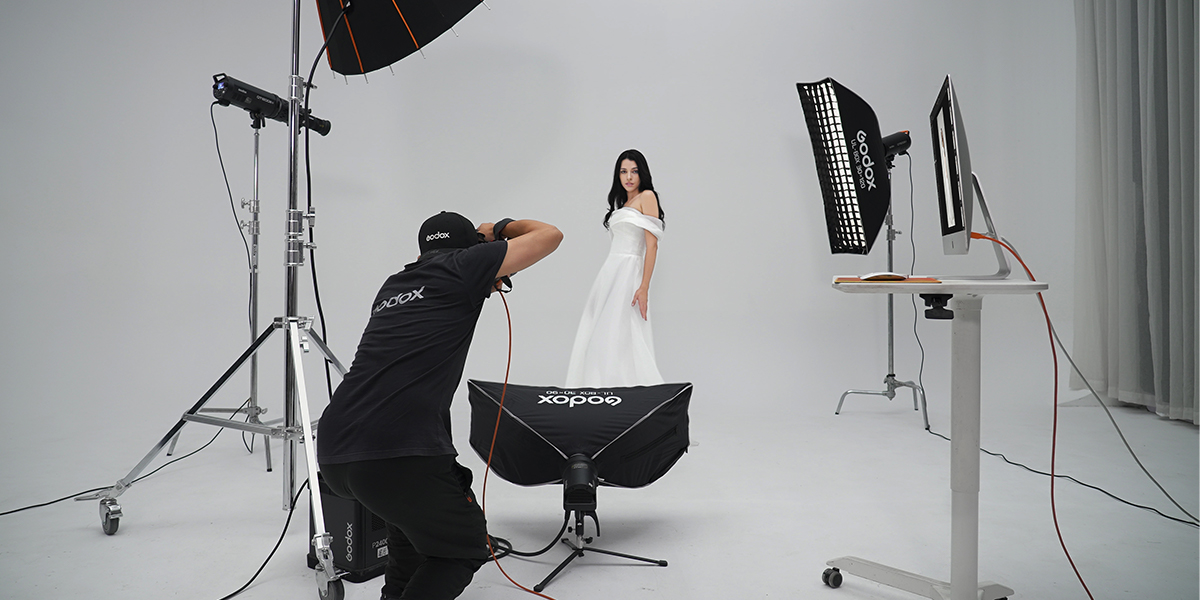
1. Godox X3 – Compact, Modern, Touchscreen Simplicity
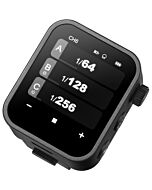
The Godox X3 is designed for photographers who want modern control in a small, portable format. It is ultra-compact and built around a clean touchscreen interface.
Key Features
-
Touchscreen interface with a simple, intuitive layout
-
Compact “pocket-sized” design
-
Built-in lithium battery (USB-C rechargeable)
-
TTL, HSS, Manual & Multi modes
-
Control for multiple groups
-
Ideal for run-and-gun and lightweight setups
Who It’s For
Perfect for:
-
Beginners
-
Mobile portrait photographers
-
YouTubers, vloggers, and creators
-
On-location photographers using 1–3 lights
The X3 delivers reliable performance with the least complexity.
2. Godox X3 Pro – Advanced Touchscreen Control for Professionals
The Godox X3 Pro is the upgraded, feature-rich version of the X3 — designed for photographers who work with multiple lights and need deep control.
Key Features
-
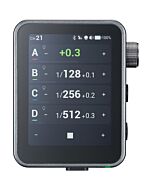
Large, bright touchscreen for faster navigation
-
View and adjust multiple groups simultaneously
-
Bluetooth + Godox Flash App integration
-
Advanced group control (power, zoom, modeling lamp, modes)
-
Built-in high-capacity rechargeable battery
-
Extended range, better stability, and pro-level interface
-
Remote shutter features, timers & time-lapse modes
Who It’s For
Best for:
-
Studio photographers
-
Event/wedding shooters
-
Commercial & product photographers
-
Professionals who use complex multi-light setups
-
Anyone wanting app-based control for convenience
If you need precision, flexible control, and a “command center” feel, the X3 Pro is the strongest choice.
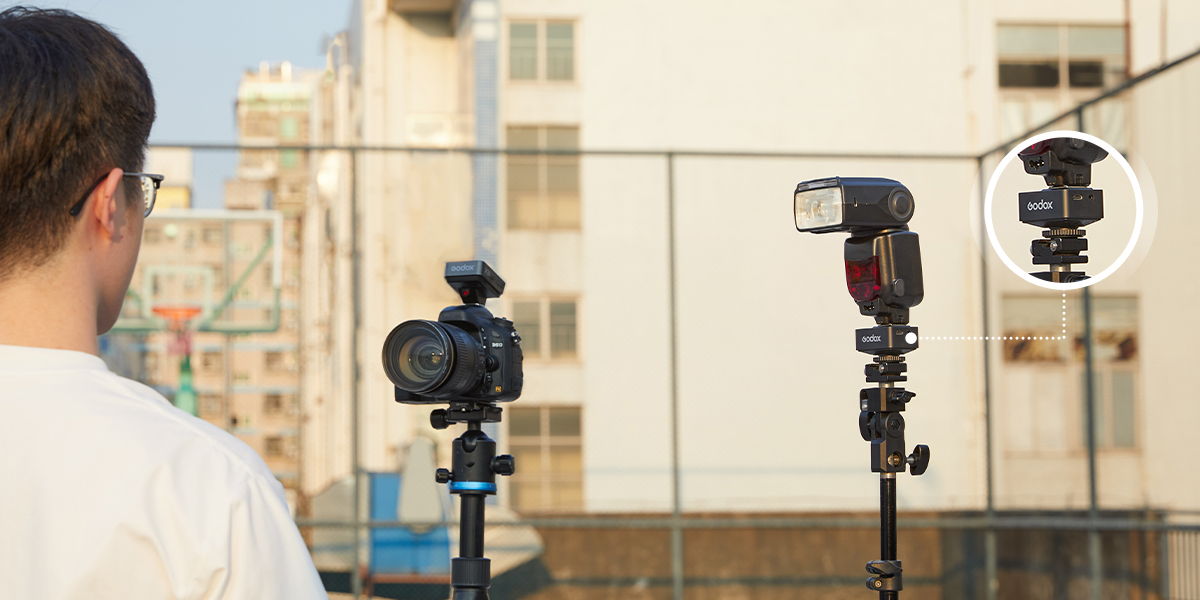
3. Godox XPro – Classic, Reliable, Button-Based Design
The Godox XPro has been the industry workhorse for years. Instead of a touchscreen, it uses physical buttons and a large LCD, which many photographers still prefer.
Key Features
-
Physical buttons + control wheel (tactile and fast)
-
Large, easy-to-read display
-
Powered by AA batteries
-
Reliable and proven performance
-
Full support for TTL, HSS, and multi-group setups
Who It’s For
Ideal for:
-
Photographers who prefer physical buttons
-
Wedding/event shooters needing quick adjustments
-
Long shoots where AA batteries are easy to swap
-
Users who want a stable, familiar workflow
The XPro is the most “tactile” option, great for fast-paced environments.
Which Trigger Suits Which Photographer / Use Case
-
You’re a beginner or you value light travel setup — go for Godox X3: light, compact, easy to use. Good for 1–2 speedlights, basic sporadic work (portraits, quick shoots).
-
You run multi‑light setups, studio shoots, events, complex workflows — Godox X3 Pro is likely the best balance: advanced control (groups, modeling light, zoom), app/Bluetooth remote, shutter/time‑lapse control, bigger battery — all useful for studio, product, creative lighting, long shoots.
-
You prefer physical controls or already have “classic” workflows, or want a tried‑and‑true trigger — Godox XPro remains a strong, reliable option, especially if touchscreens/menus aren’t your thing.
In short: X3 = simplicity & portability; X3 Pro = modern control & flexibility; XPro = traditional control & reliability.
| Trigger | Interface & Controls | Battery & Build | Advanced Features & Workflow | Pros / Cons & Ideal Use |
|---|---|---|---|---|
| Godox X3 | Small OLED touchscreen, minimal controls — power, groups, modes. ( | Built‑in Li‑ion battery (3.7 V, 850 mAh), charges in ~2 h; standby ~7 days. Compact/light (very portable). | Standard wireless flash triggering (TTL, manual, HSS, curtain sync, multi‑flash). Simple group control, but limited advanced functions. |
✅ Great for: Beginners; shooters valuing portability and simplicity; location portrait photographers who only run 1–2 flashes. ❗ Cons: Limited advanced control, no remote camera shutter control, less convenient for complex multi‑light setups.
|
| Godox X3 Pro | Larger 2.4″ LCD touchscreen, more intuitive UI; lets you monitor up to 4 lighting groups at once (out of 16 max). Tap to adjust group power/zoom/modeling lamp, etc. | Bigger built‑in lithium battery (≈ 2930 mAh → USB‑C charging ~2 h); standby ~35 days. Size ~2.13" × 2.6" × 1.61"; weight ~103 g. | Adds Bluetooth + app control (via Godox Flash App), letting you adjust lights remotely (handy with assistants / multi‑light rigs). Also offers creative shutter controls (timer, time‑lapse, long‑exposure sequences) and optional remote‑shutter release via PC sync or Godox XR/TR‑RX receivers. Supports up to 16 groups, 32 channels, and 99 wireless IDs. |
✅ Great for: Professional or semi‑pro photographers shooting multi‑light setups (studio, events, product, creative lighting) who value control, flexibility, and remote operation. ❗ Cons: Slightly bulkier — less “pocketable” than X3; touchscreen may feel less tactile than physical dials/buttons (some photographers prefer buttons).
|
| Godox XPro | Traditional physical buttons + dial + large backlit LCD — many photographers love the tactile feedback and quick adjustments without tapping menus. | Powered by 2 AA batteries (not built‑in). Robust, proven build; larger form factor than X3 but often more balanced on camera. | Provides full TTL, HSS, multi‑flash, and group/channel control (because it’s part of Godox X system). Many consider it stable and reliable for long projects, weddings — especially if they prefer physical controls. |
✅ Great for: Photographers who prefer tactile controls, button/dial operation, and don’t need touchscreen fuss. ❗ Cons: No touchscreen, no built‑in battery (need to carry AA), less “modern” feel — may lack some convenience features of X3 Pro (like app control, virtual group-management UI).
|
Side-by-Side Comparison: X3 vs X3 Pro vs XPro
| Feature | Godox X3 | Godox X3 Pro | Godox XPro |
|---|---|---|---|
| Interface | Touchscreen | Large touchscreen | Buttons + dial |
| Battery | Built-in Li-ion | Built-in high-capacity Li-ion | 2× AA batteries |
| Portability | Ultra compact | Medium compact | Largest |
| Groups Control | Basic groups | Advanced multi-group control | Advanced groups |
| Bluetooth/App | No | Yes | No |
| Best For | Beginners & travel shooters | Professionals & studios | Button lovers & event shooters |
| Ease of Use | Very easy | Easy/Advanced | Very fast tactile control |
| Price Range | Lowest | Highest | Mid-range |
Which One Should You Choose?
✔ Choose Godox X3 if:
You want compact size, simplicity, and modern touchscreen control.
Perfect for portraits, casual shooting, and travel.
✔ Choose Godox X3 Pro if:
You need the best control Godox offers — ideal for studios, commercial work, events, and multi-light setups.
✔ Choose Godox XPro if:
You prefer physical buttons, long runtime with AA batteries, and fast adjustments during fast-paced shoots.
If I were building a modern, flexible flash kit for a variety of jobs — from portraits to studio work to creative lighting — I’d lean toward Godox X3 Pro. Its touchscreen + group control + app connectivity gives me the “command‑center” feel I want for larger setups, but without the bulk and overhead of ultra‑high‑end triggers.
If I were running a lightweight, minimal setup — maybe on location, with just one or two speedlights — then Godox X3 makes sense: simple and efficient. And if I preferred the “classic” dial/button approach and want reliability without fuss, Godox XPro is a safe, proven choice.
Related Products
Related Posts
5

Godox AD200 Pro vs AD200 Pro II
10 Sept 2024